
Plan smarter around peak moments and changing availability. With Tiemdo, you combine staff scheduling and time tracking, including plus/minus hours and labor costs, so you always know where you stand. Share schedules directly via the app, so the team is immediately up to date.
Discover which features Tiemdo can offer your shop
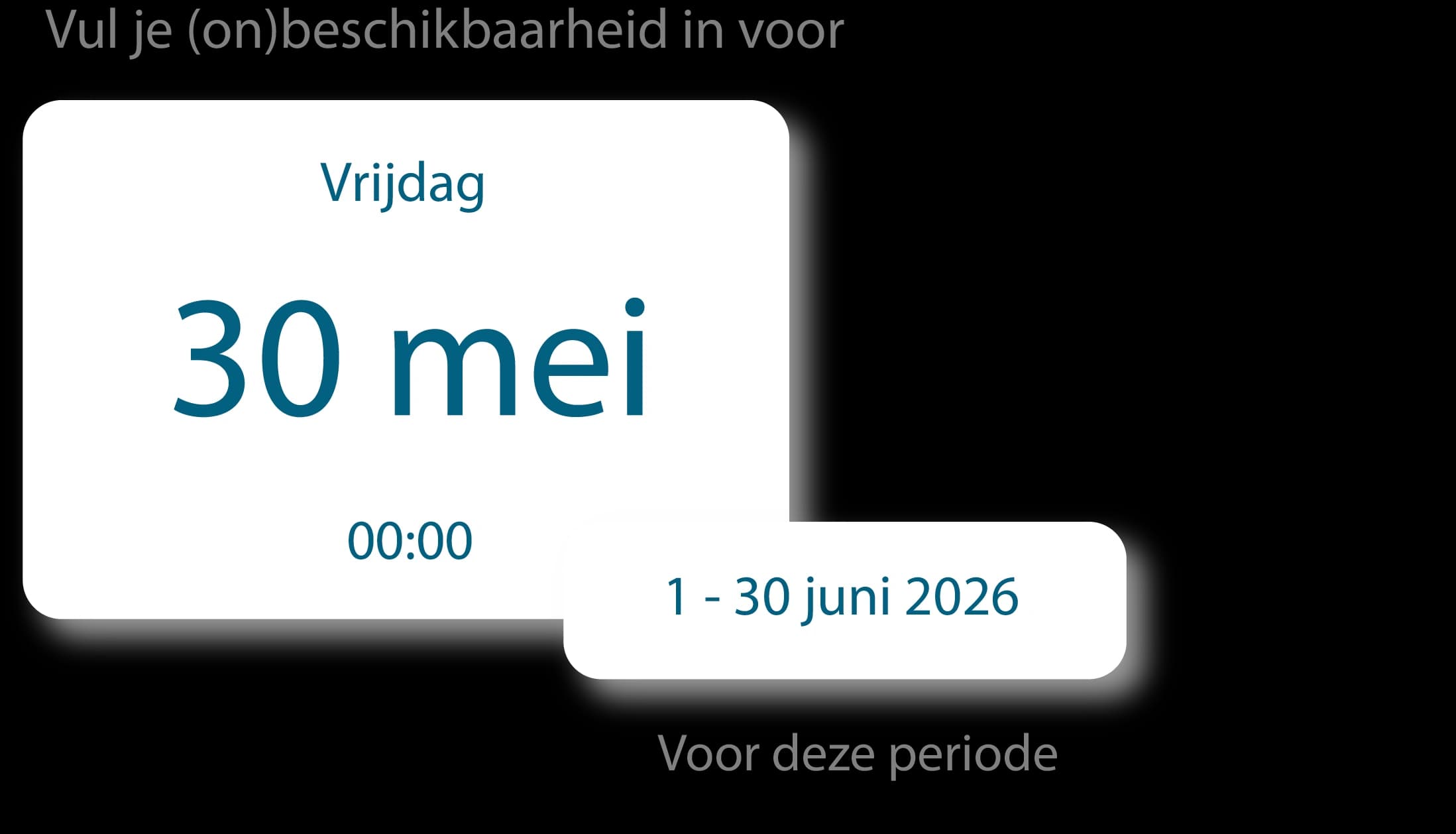
Let your team say when they can work first
Set a single deadline for submitting availability. Tiemdo automatically reminds your team if nothing has been filled in yet.
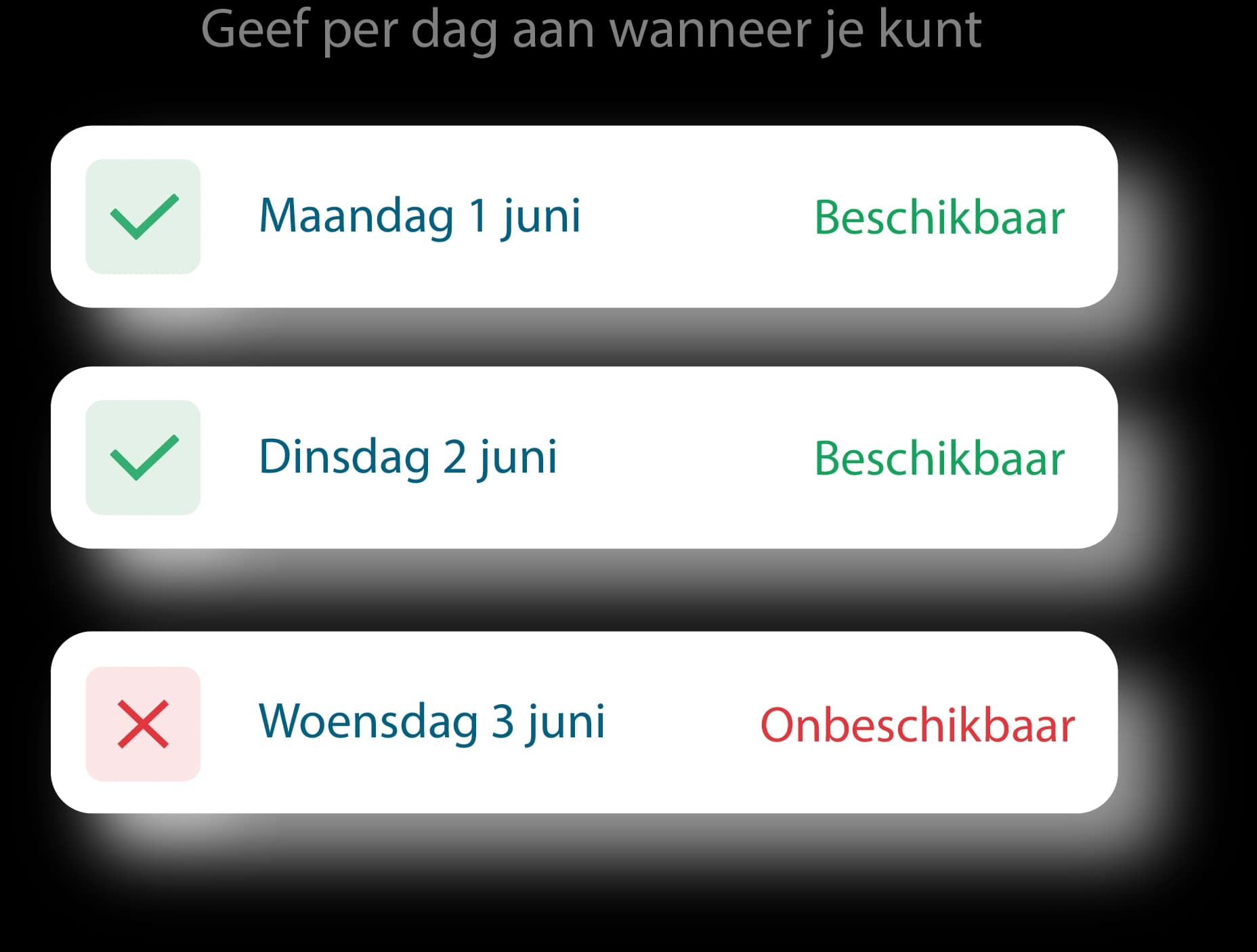
Your team does it themselves
Employees indicate per day when they can and can’t work. Right in the app. No loose messages, notes or, "I thought I already mentioned it."
Scheduling without guessing
You instantly see who is available and schedule based on real availability. Pretty handy, for a schedule.
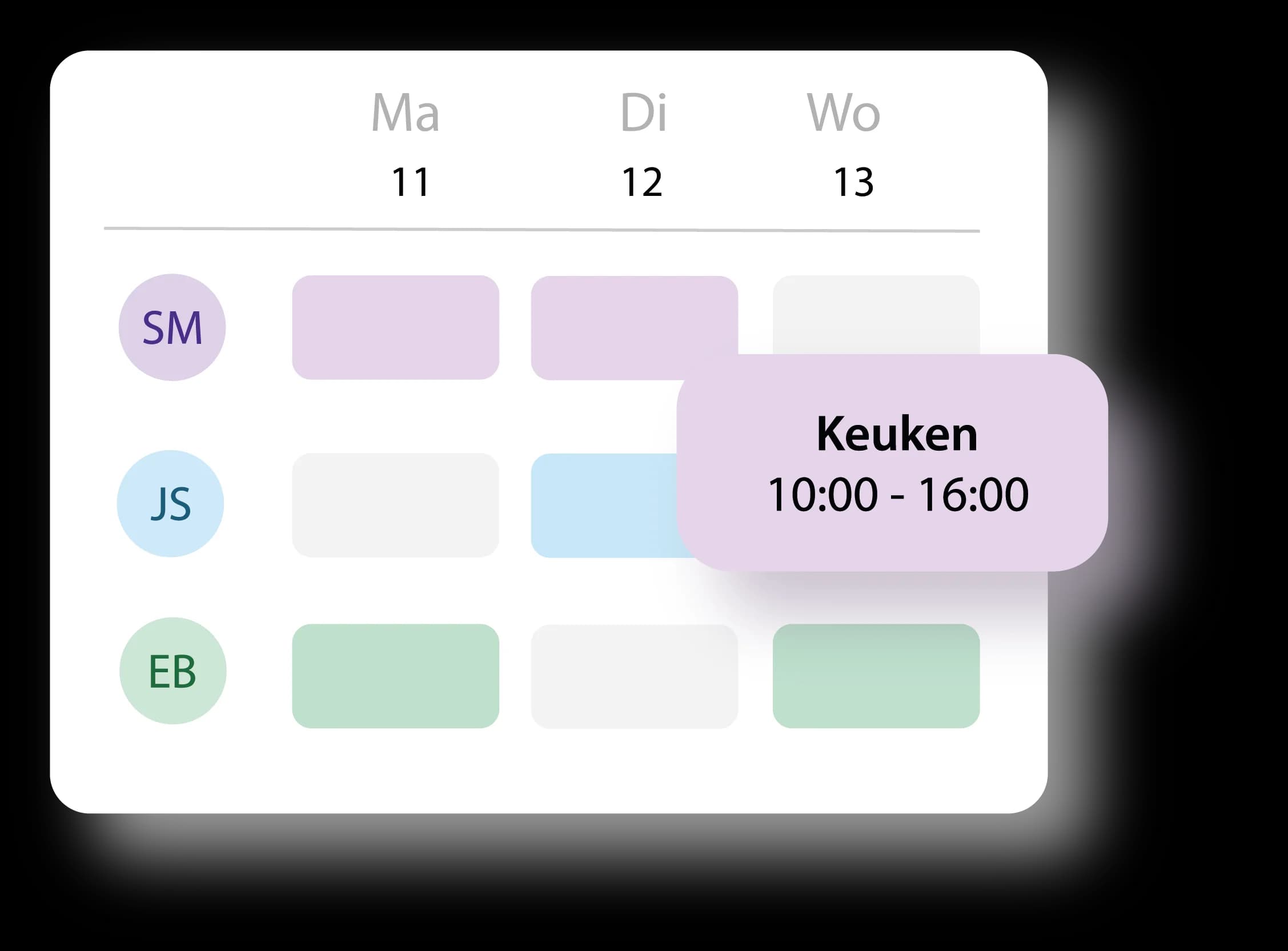
Drag employees onto their workday
You drag employees to the day they need to work and instantly see who is scheduled where. Your schedule is no longer a half-completed puzzle.
Employee can’t make it? Let them swap themselves
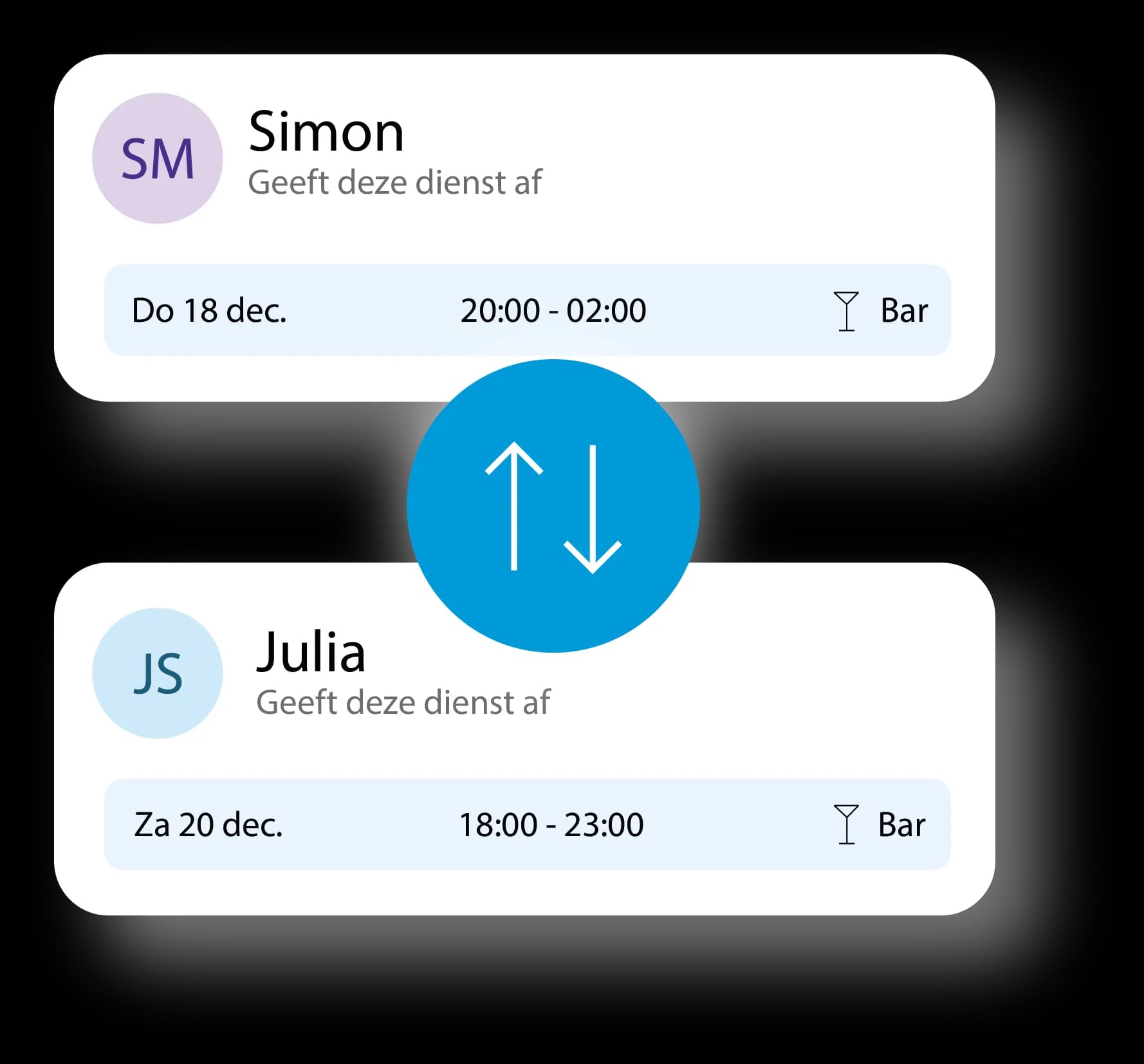
Someone can’t work after all? Then the employee requests a shift swap with a colleague. You just need to approve it.
Approved? Then everyone gets notified
Was the shift swap approved? Managers and involved employees automatically receive a notification.
Clock in via your phone. Only on location.
Employees can clock in and out through their own phones, but only if they’re actually on site. Not from the couch at home. Not on the way. Not "I’m almost there."
Or use one shared clock-in tablet
Prefer one fixed clock-in point? Then your team clocks in through a shared tablet. Everyone has a personal 4-digit code, so you always know who’s clocking in.
You see live who’s working
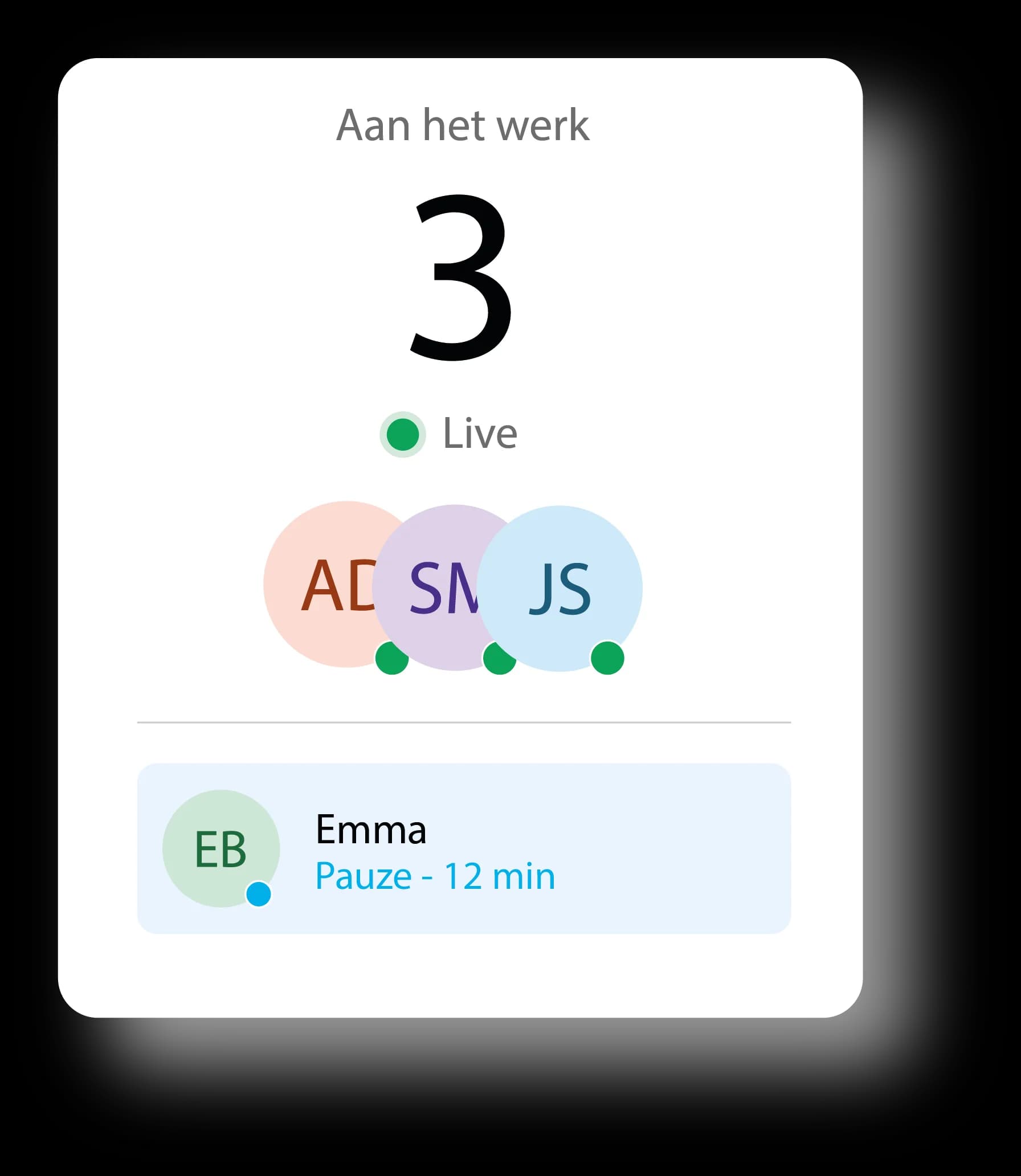
Whether someone clocks in via phone or tablet: you immediately see who’s working, who’s on break, and who still has to start.
Plus and minus hours in one overview
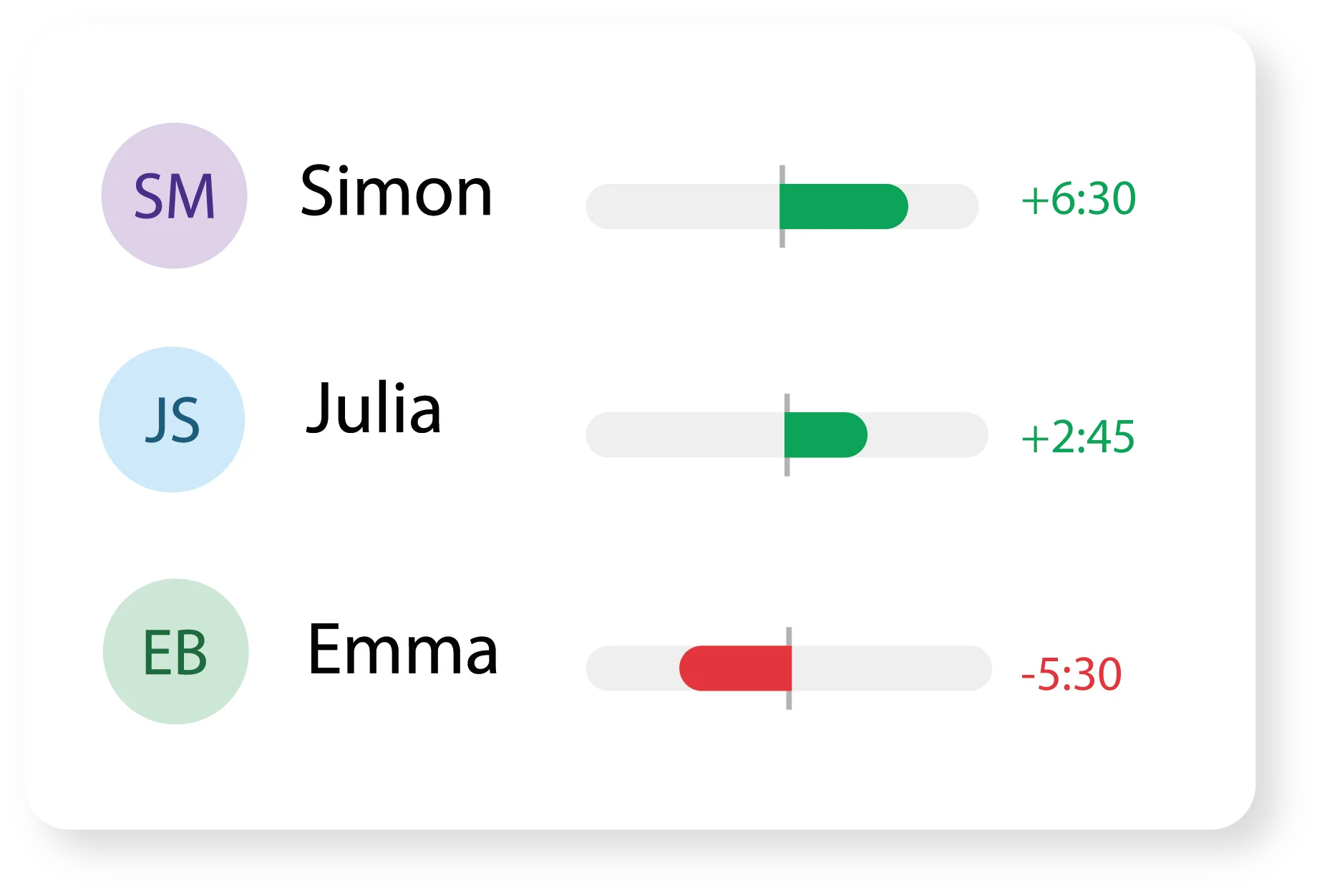
See each employee’s plus and minus balances immediately. Not only when someone brings it up themselves. Usually right before payroll of course.
Approve or reject hours
Check the worked hours per employee and approve them with one click. Or reject them if something is off.
See exactly how the hours are built up
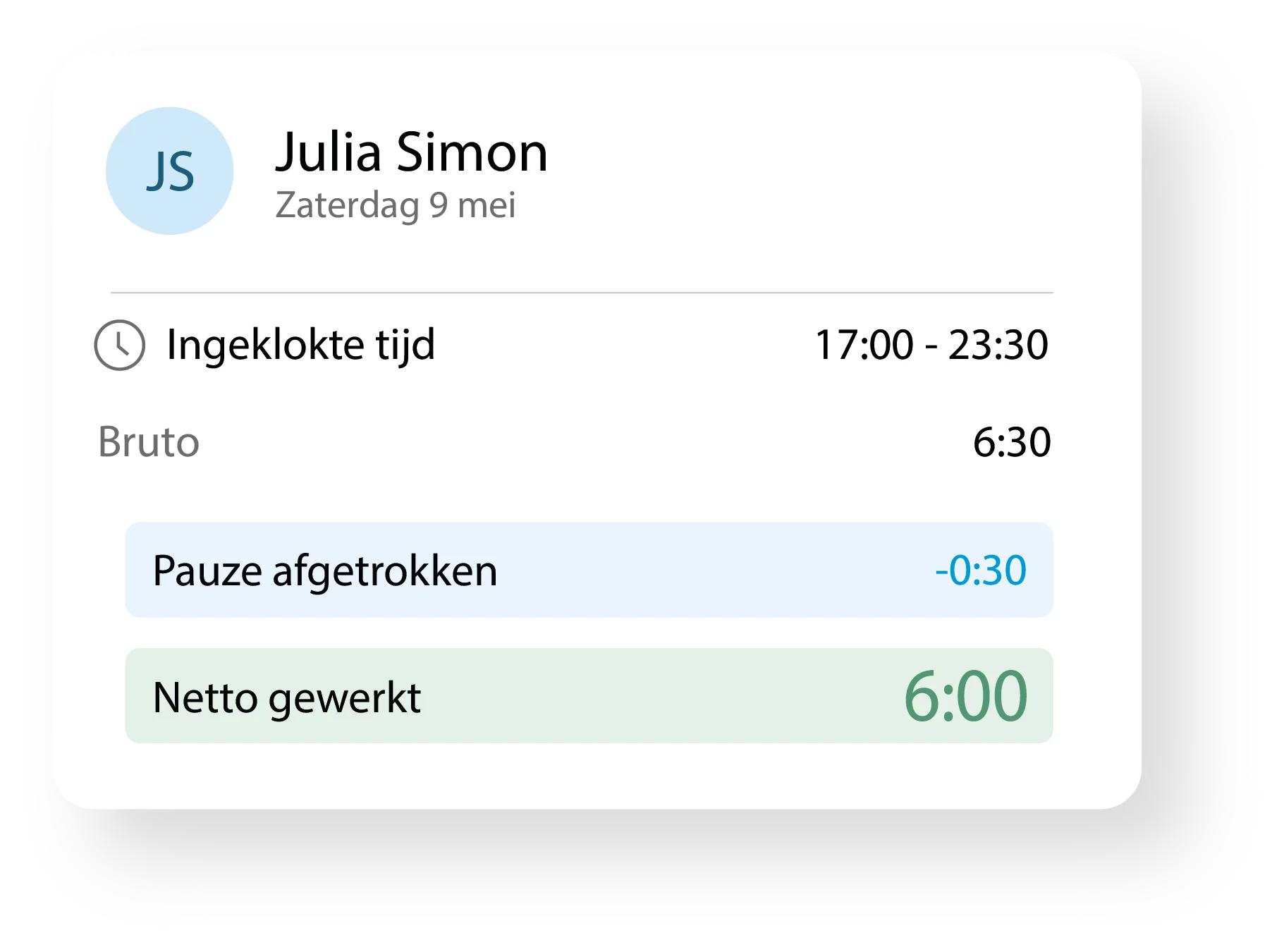
See what time someone clocked in, how much break was subtracted, and how many net hours remain.
Labor costs next to your revenue
See each week how your labor costs relate to your revenue. Handy, because planning based on gut feeling doesn’t always work out well.
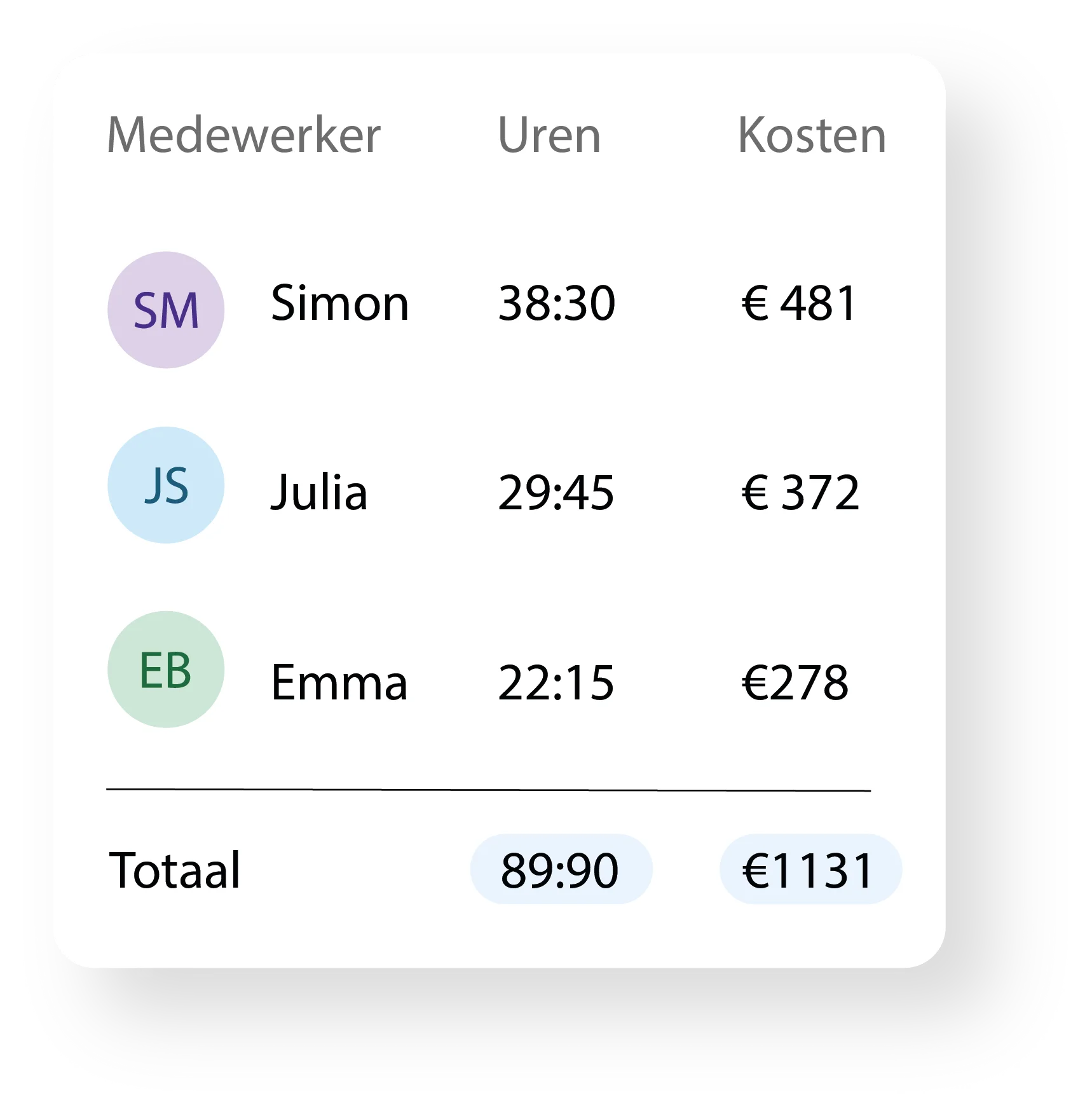
See what each employee costs
See per employee how many hours were worked and what that cost. Just clear, no calculations afterwards.
Live numbers, not old news
Track your labor costs, overtime, and productivity live. Always up to date, so not only when the month is over.
Export hours as CSV file
You export approved hours as a ready-made CSV file that your payroll software reads directly. No more typing hours from a printout.
Or link directly via API
With some partners, Tiemdo links directly via API. Approved hours automatically end up in your payroll administration, without you having to do anything.
Easier and less error-prone
You don’t want to have to enter checked hours manually again. It saves time and prevents typos in payroll processing.
Try now for free.No strings attached.
Try Tiemdo for thirty days completely free. Truly no obligations: no annual contract and cancelable monthly whenever you want.
Want to see how it works first? Book a free online demo and we’ll walk you through everything together.
Try 30 days for freeCancelable monthlyNon-binding demo available
Frequently asked questions about staff scheduling for retail
Yes. With Tiemdo, you see per location who is scheduled, who has clocked in, and who still has to start. This way, you don't have to call or check individual schedules for each branch.
Yes. Employees submit their own availability in Tiemdo. While scheduling, you see who is available for shopping evenings, Saturdays, and busy periods. This way, you can fill busy times better without having to ask everyone individually.
Yes. While scheduling, you see per location what your staffing costs. That way, you know in advance what your schedule means for your labor costs, instead of only afterwards.
Yes. An employee can request a shift swap with a colleague themselves in Tiemdo. You approve or reject the swap. Then the change is immediately in the up-to-date schedule.
Yes. Part-timers, students, and pupils indicate themselves when they can work. You see their availability directly in the schedule and can schedule them when you need them.
Yes. With Tiemdo, all schedules and worked hours are in one system. Every location uses the same planning, the same time registration, and the same overview.
Yes. In Tiemdo, you see per location who is scheduled and who is present. That way, you quickly see if a branch is missing someone for a busy time.
Yes. In Tiemdo, you see per employee their clocked-in time, break, and net worked hours. You can check the hours per employee and per location before approving.
Yes. For busy periods like holidays, sales, shopping Sundays, and vacations, you instantly see who is available. This way, you can schedule extra staff without using separate lists or group chats.
Tiemdo costs from €1 per active employee per month for staff scheduling. With time tracking, you pay from €2 per active employee per month. You only pay for employees who are active.
Try Tiemdo free for 30 days
Save time today by automating your work schedules and reduce the risk of errors. Once you sign up, you can start using your account right away. We’ll reach out to you when your trial period is almost over.