

€1 per employee
Need a restaurant schedule? We're the most cost-effective on the market.
Availability, schedule, hours and wage costs in one overview. From €1 per active employee. Try it free for 30 days.
Familiar?
Does this cost you too much time too?
Features
Discover which features Tiemdo can offer your restaurant
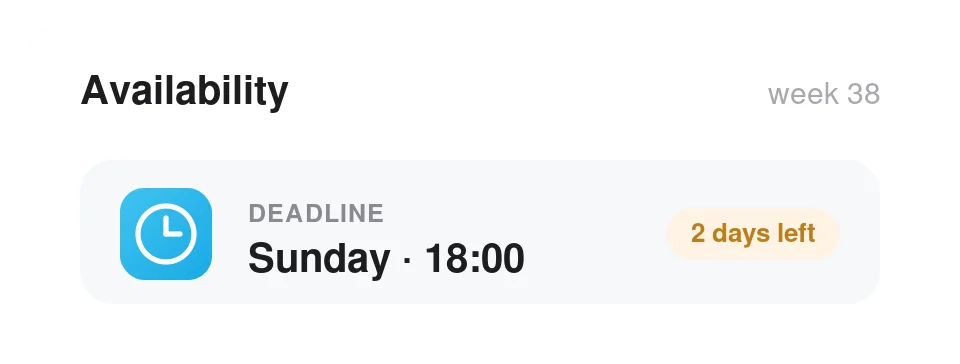
Let your team declare when they are available first
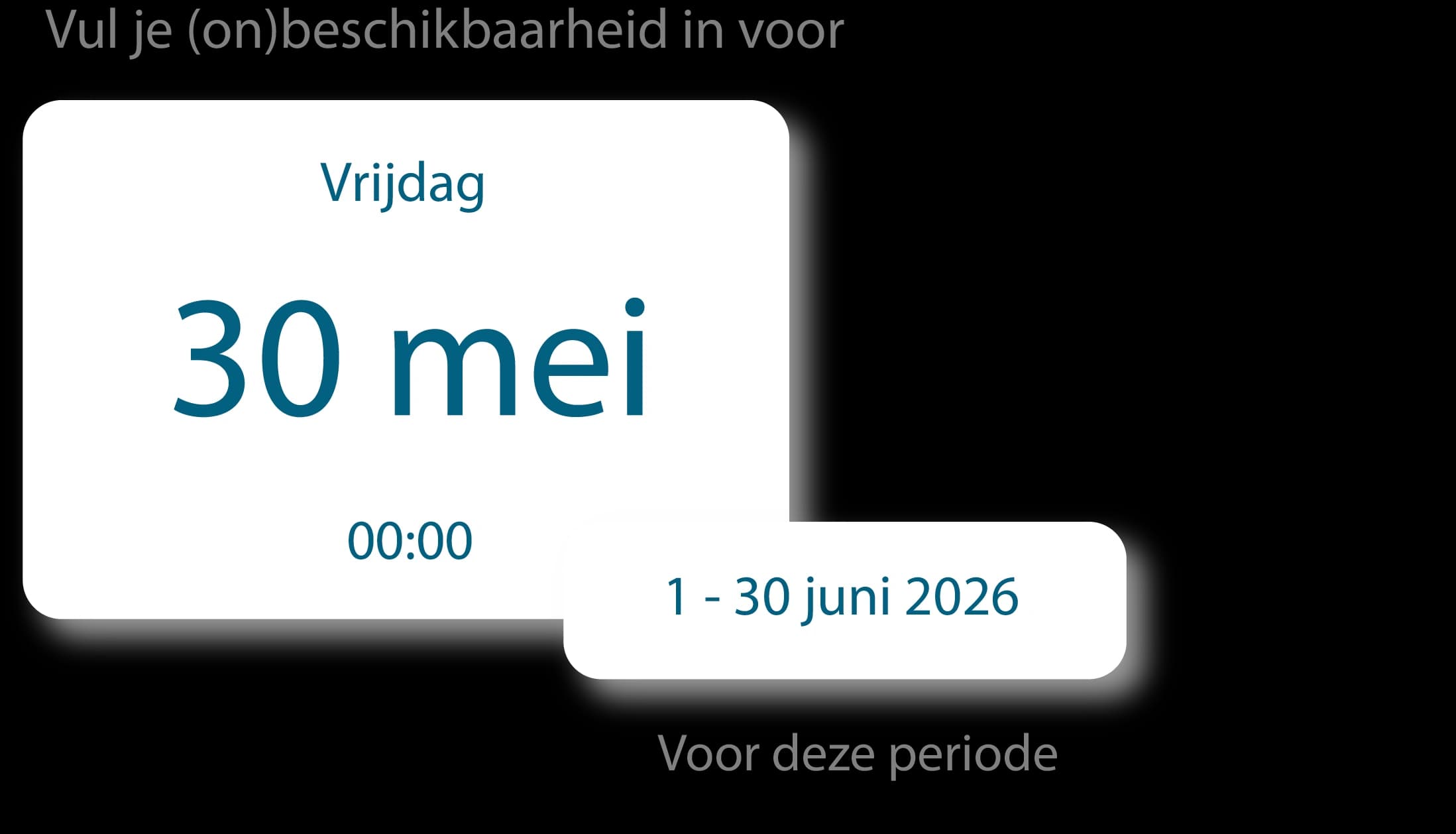
Set a single deadline for submitting availability. Tiemdo automatically reminds your team if nothing has been entered.
Your team fills it in themselves
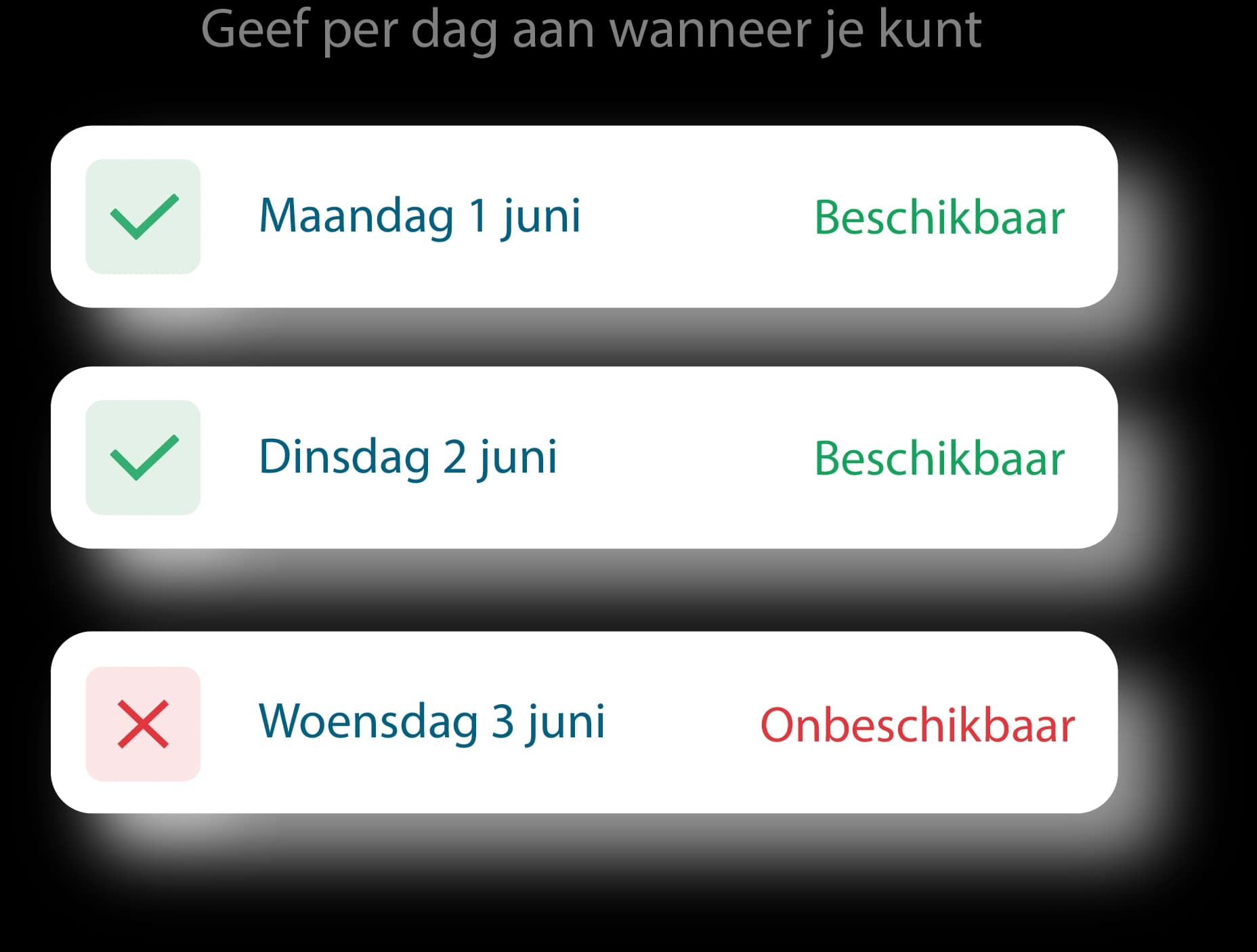
Employees indicate per day when they can and cannot work. Directly in the app. Not via separate apps, notes or 'I thought I'd already said it'.
Schedule without guesswork
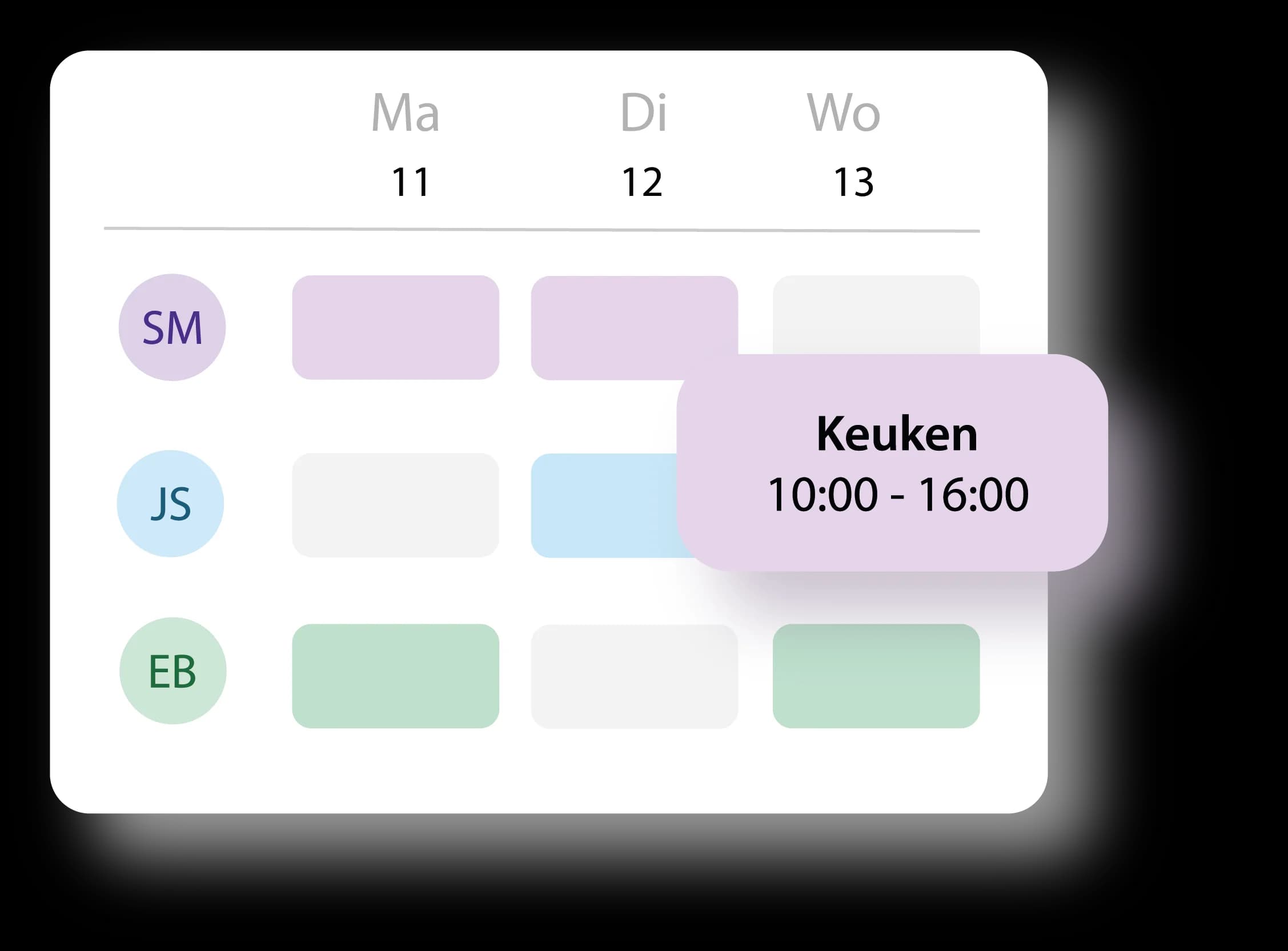
You immediately see who is available and schedule based on actual availability. Very handy, for a schedule.
Try now for free.No small print.
Try Tiemdo completely free for thirty days. Really no strings attached: no annual contract and can be cancelled monthly whenever you like. Prefer to see how it works first? Schedule a free online demo and we’ll walk you through everything together.
30 days free trialMonthly cancellableNon-binding demo possible
FAQ
Frequently asked questions about restaurant schedule
You can create a restaurant schedule faster if availability, shifts and schedule changes are in one place. You don't have to gather WhatsApp messages, slips and separate Excel files. With Tiemdo, staff submit their availability themselves and you make the schedule all from one overview.
Yes. Staff submit their own availability in the Tiemdo app. When scheduling, you can see who is available and who isn’t. You can also set a deadline so staff automatically get a reminder.
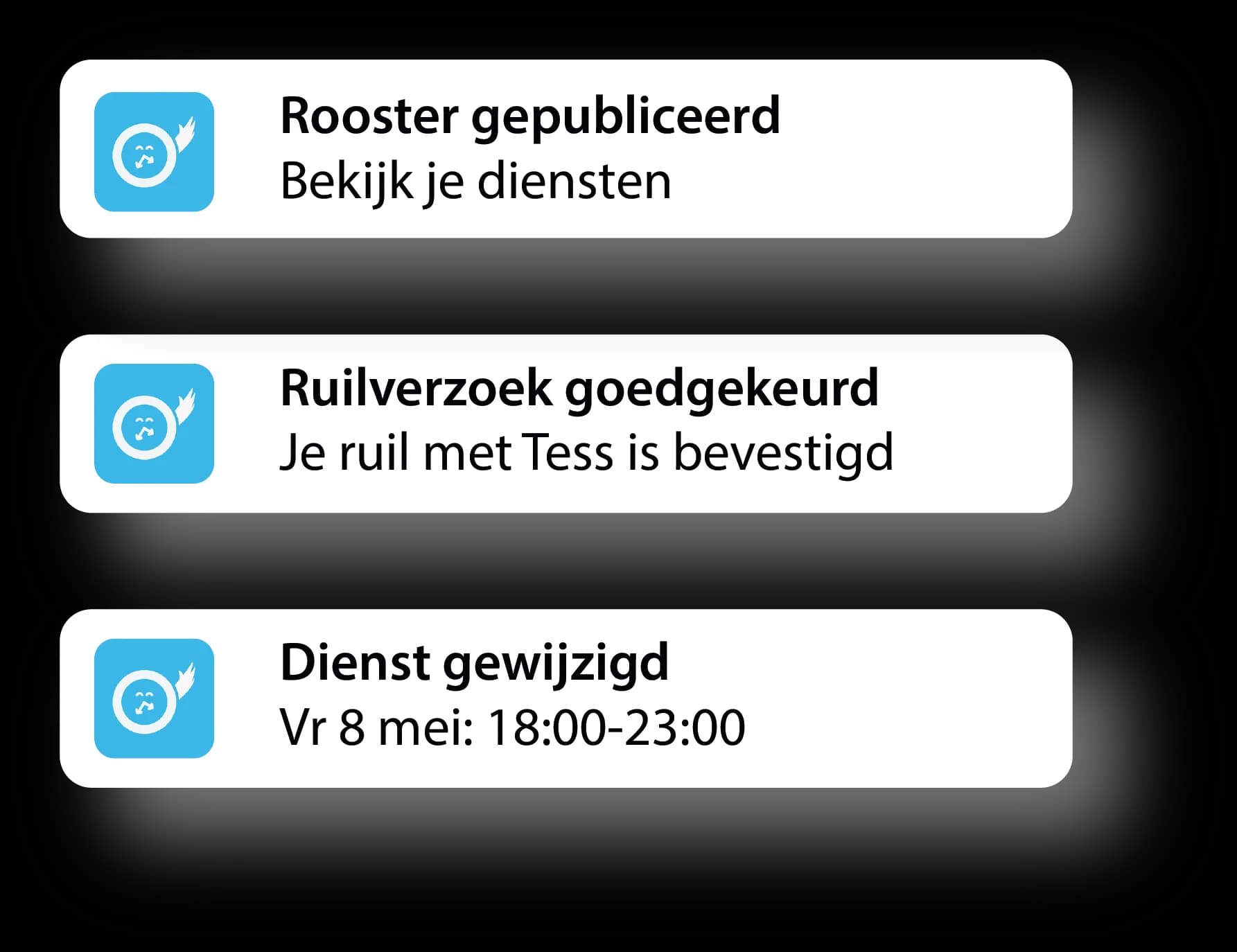
Yes. A staff member can request a shift swap with a colleague. Once requested, you approve or reject the swap. Upon approval, the change immediately appears in the current schedule.
Yes. You can schedule staff by department or role. This way, the schedule shows who is in the kitchen, who is serving, and who is doing dishes or running the bar.
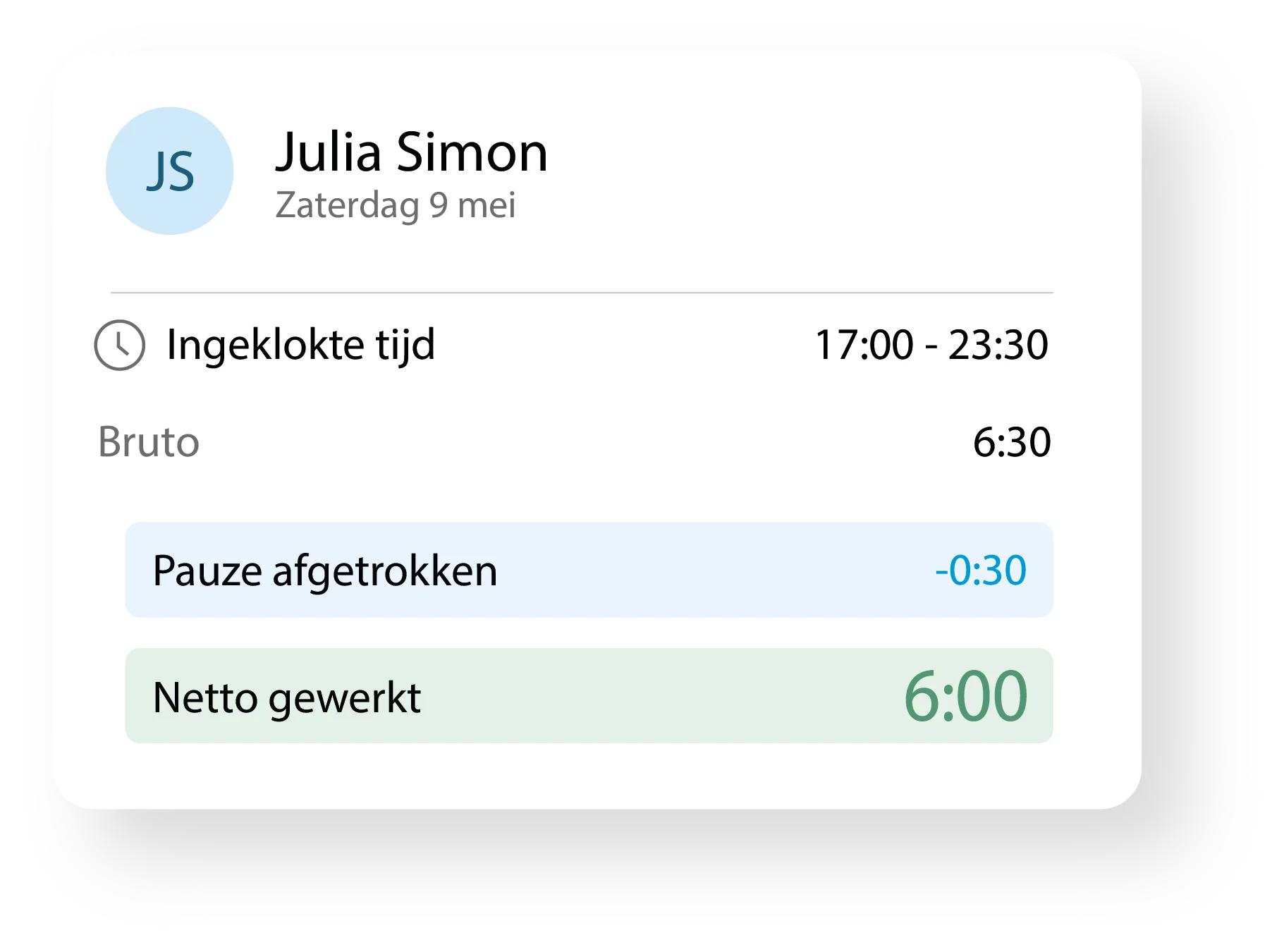
Yes. In Tiemdo you can track worked hours, breaks and corrections in one overview. For each staff member, you see their clock-in time, deduct breaks, and see how many hours remain net.
Tiemdo costs from €1 per active employee per month for staff scheduling. If you also want to use hour registration, you pay from €2 per active employee per month. You only pay for active employees.
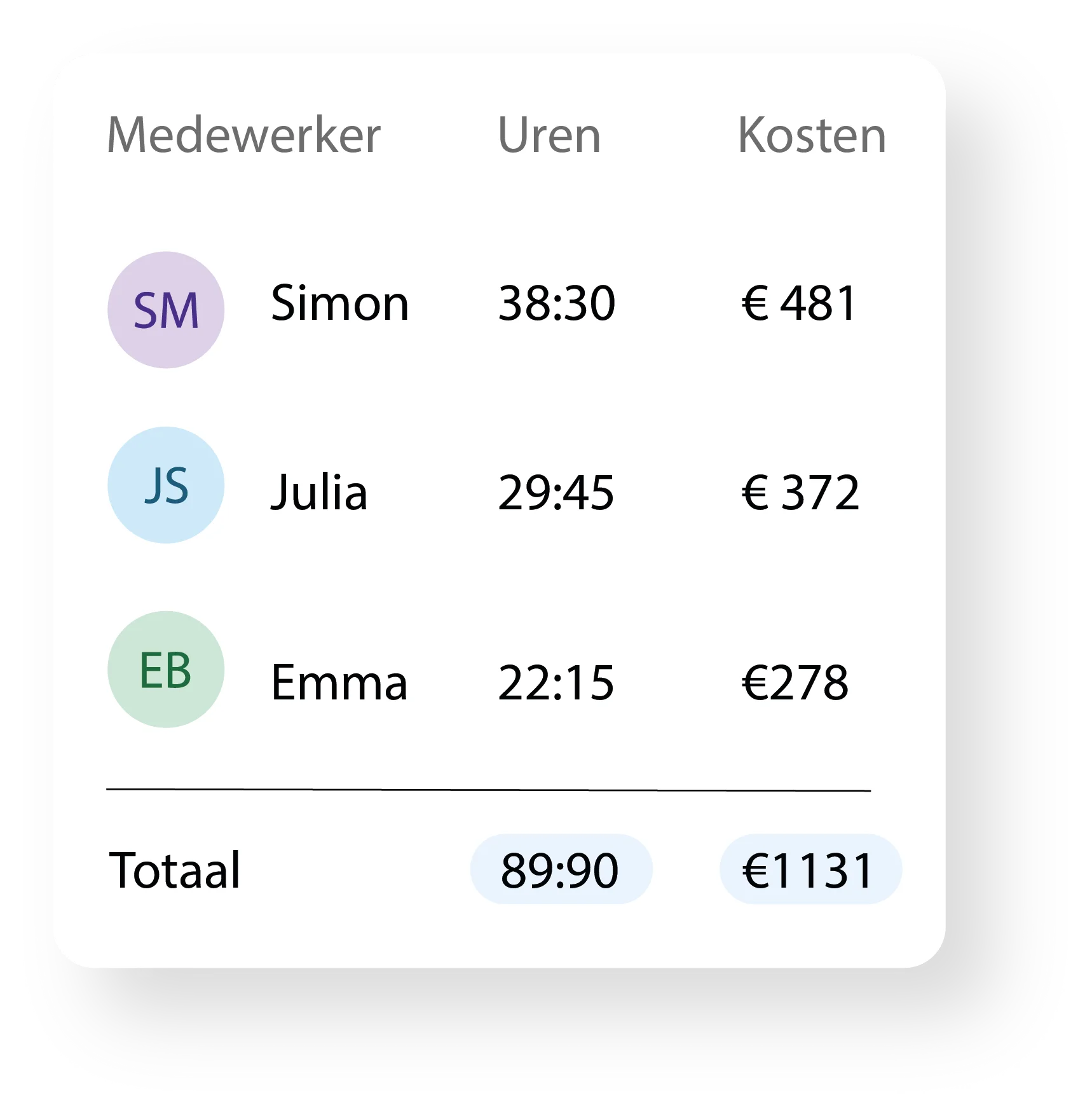
Yes. While creating the schedule you immediately see what your staffing costs are. This way, you know in advance what extra staff means for your wage costs, rather than afterwards.
Yes. Employees can clock in and out via their own phone. You can set it so that this is only allowed on location. Prefer a single clock-in point? Then your team can also clock in via a shared tablet with personal codes.
Yes. Tiemdo is suitable for restaurants with permanent staff, students, school pupils, on-call workers and flexible workers. Staff can submit their own availability, so you can see more quickly who can be scheduled.